How it works
How does BiteSense work?
You log what you eat and how you feel, and BiteSense compares the two over time. It shows which foods, sleep and water habits line up with your symptoms, using only your own logs.

1
Step 1: Log your meals
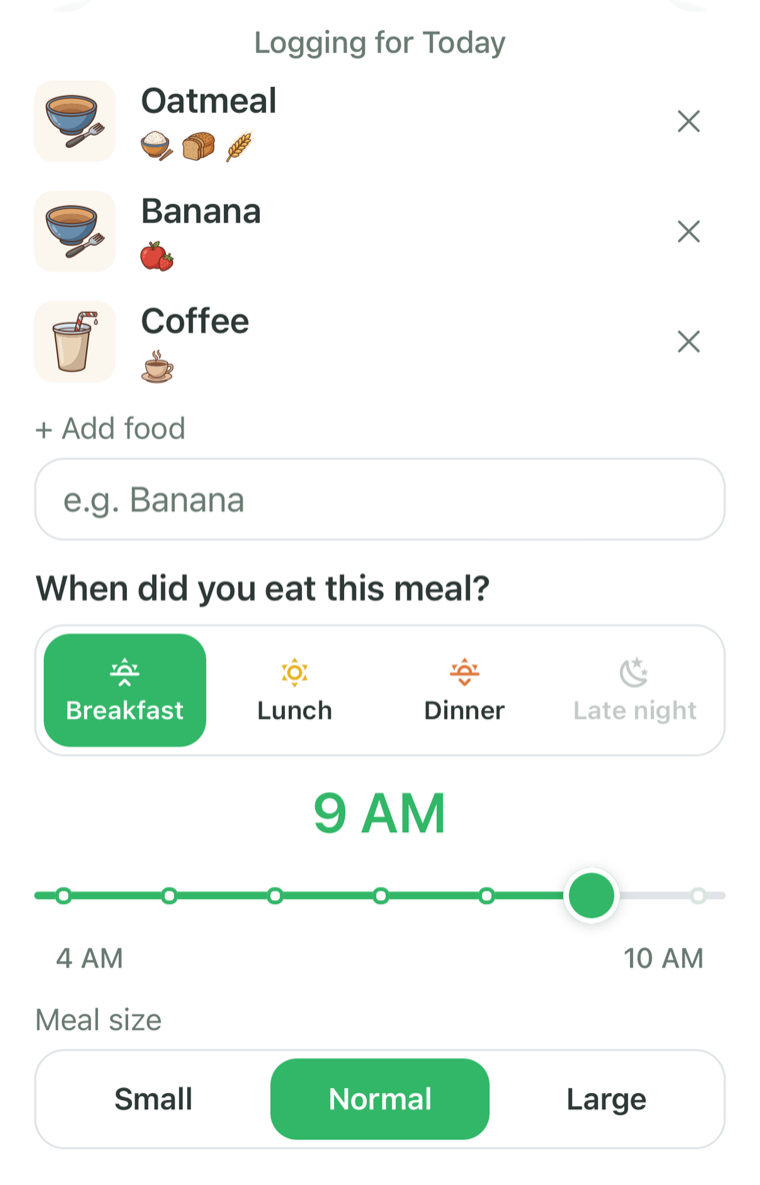
Type or say what you ate. BiteSense splits the description into foods and tags each food with ingredients and traits such as dairy, gluten or caffeine.
Set the time of day and the meal size, then save. Meals you eat often are one tap away under Recent and Saved.
2
Step 2: Log how you feel
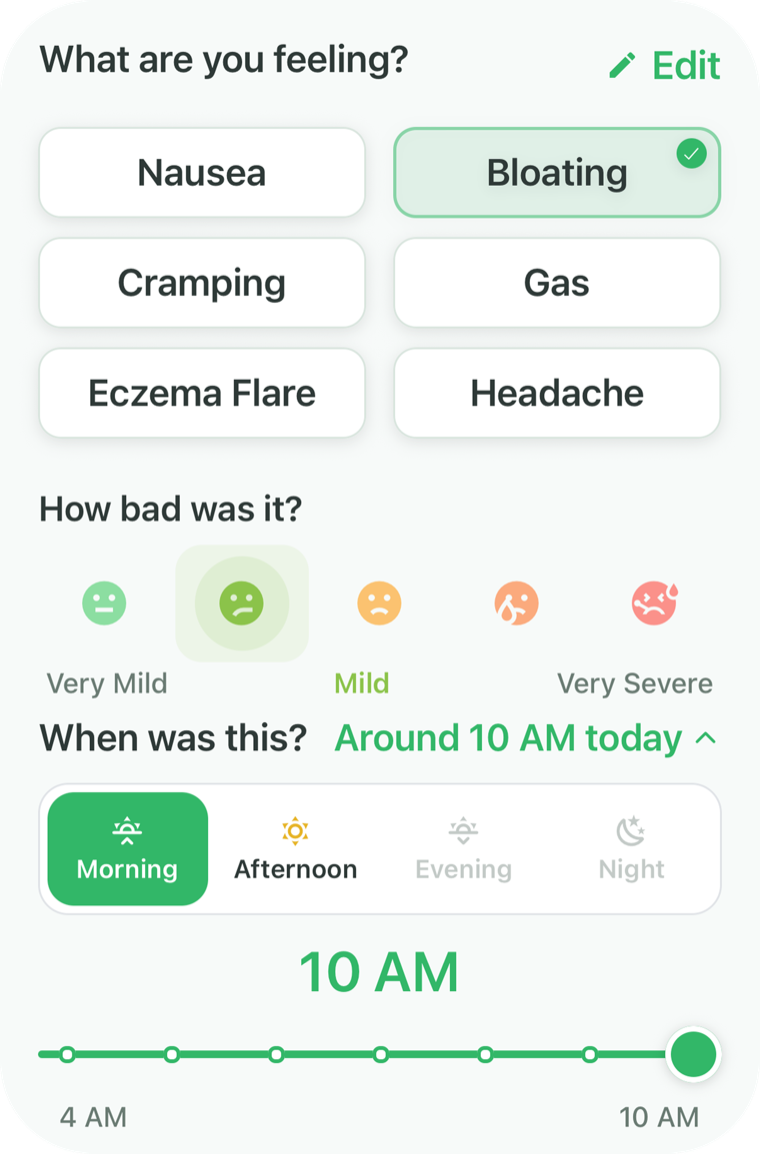
When a physical symptom shows up, pick it, rate how strong it was and set when it started. Once a day, answer the check-in: how’s your body today?
Days with no symptoms matter too. They are how BiteSense tells an ordinary meal from one that tends to be followed by symptoms.
3
Step 3: Add sleep and water
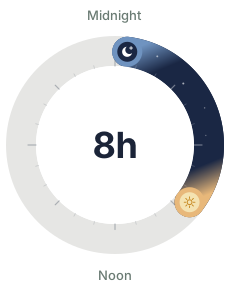
Log last night’s sleep and tap in your water through the day. Food is only part of the picture, and these two are quick to record.
With Premium, Apple Health can fill in your sleep for you. With an Apple Watch, that includes time awake, so Clues can look at restless nights too.
Bed
12:30 AM
Wake
8:30 AM
Water
32 oz

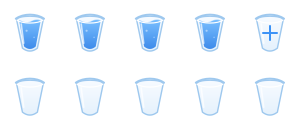
Goal: 80 oz
4
Step 4: Read your clues
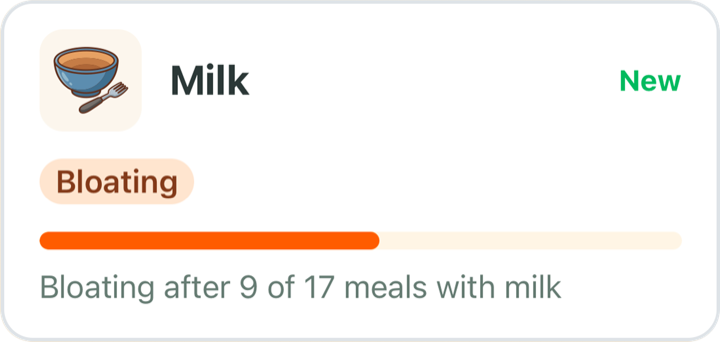
Once you have logged enough meals and symptoms, Clues starts showing what stands out: foods your symptoms tend to follow, foods with no link so far, and how sleep and water line up.
Clues is a Premium feature. Logging is free, so you can build your history first.
Sleep
Usually 8 h
Headache shows up more after short nights.
5
Step 5: Test an idea, then share it
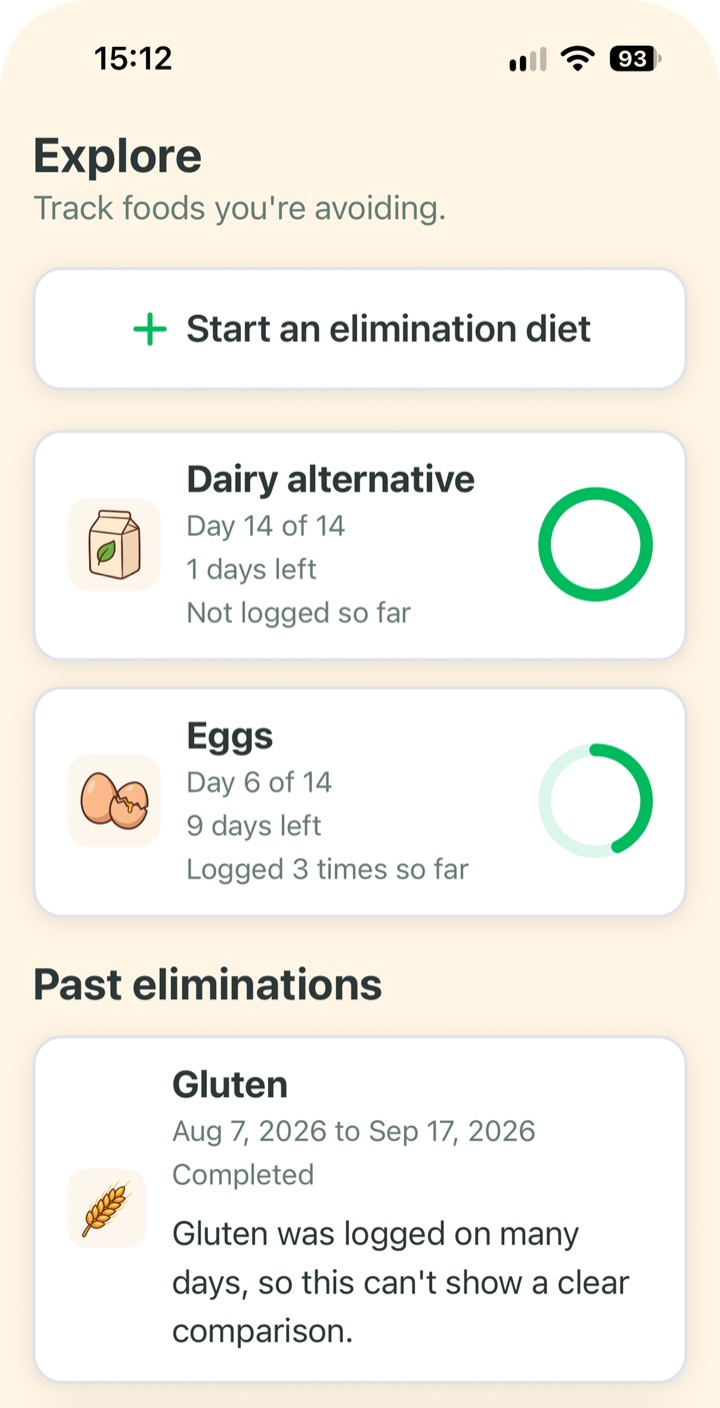
If a food looks worth a closer look, Explore tracks an elimination diet for it. When you see your doctor, the report turns your logs into a PDF summary.
Explore and the report are Premium features.
Under the hood
How does BiteSense find patterns?
With its own math, not AI. BiteSense compares when you ate certain foods and ingredients with when your symptoms showed up, using only your own logs.
Foods and ingredients
Every food is matched to a reviewed food list and tagged with up to 31 ingredients and traits. That lets a clue point to a single food or to a whole family.
Your own baseline
Sleep and water patterns are compared against your own usual levels, not against anyone else’s.
Plain wording
A clue reads like a sentence, with the counts behind it, such as heartburn after 26 of 54 meals with coffee.
Where AI is used
AI does one job in BiteSense: turning a meal description you type or say into a list of foods. Only the meal description is sent for that. Clues are worked out by BiteSense’s own math, and Bear’s messages are written in advance.
Questions about how BiteSense works
How long does it take to see clues?
It depends on how often you log. Clues starts once you have logged enough meals and symptoms for BiteSense to compare, and it keeps updating as your logs grow.
What if nothing stands out?
Then Clues says so. BiteSense shows “Nothing stands out yet” and keeps looking as you log. Foods you eat often with no symptom link appear under No link so far.
Does a clue mean that food is the reason for my symptoms?
No. A clue shows that a food lines up with a symptom in your logs. It is an observation, and what it means is for you and your doctor to decide.
How much do I need to log each day?
As much as you can keep up. Meals and symptoms are the core. The daily check-in, sleep and water add context and take a few seconds each.